








Pick your meals
Choose your meals from our diverse menus

Grocery Shop
Use our custom grocery list to quickly shop for ingredients or one-click 
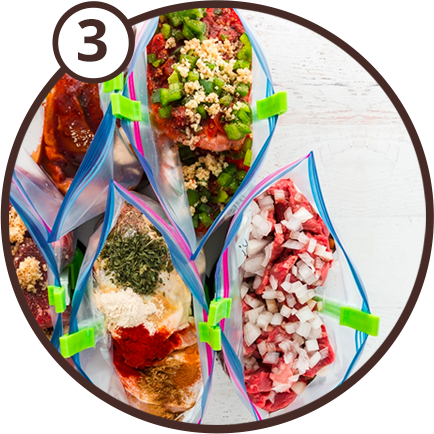
Prep
Prep 5 DINNERS in under 1 HOUR! We’ll walk you through it step-by-step

Cook and Enjoy!
Enjoy a week of dinners and less time in the kitchen!
“You have made my busy life so much more efficient. Spent most of the day at a family reunion then came home and in less than 5 mins I had a menu for a week of meals and a grocery list printed out. I love this subscription, it’s money very well spent!!!” – Charlene W

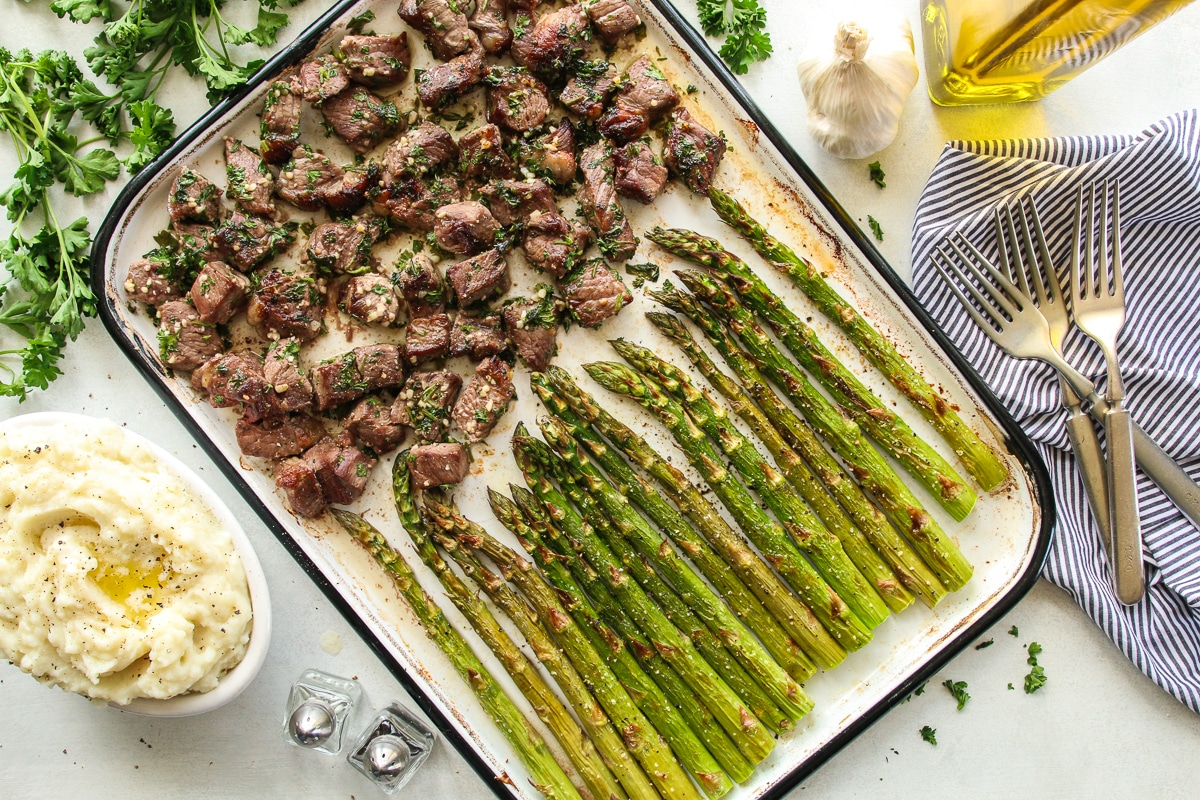
Broiled Garlic Steak Bites

Easy Sailsbury Steak Meatballs

Asian Broiled BBQ Shrimp
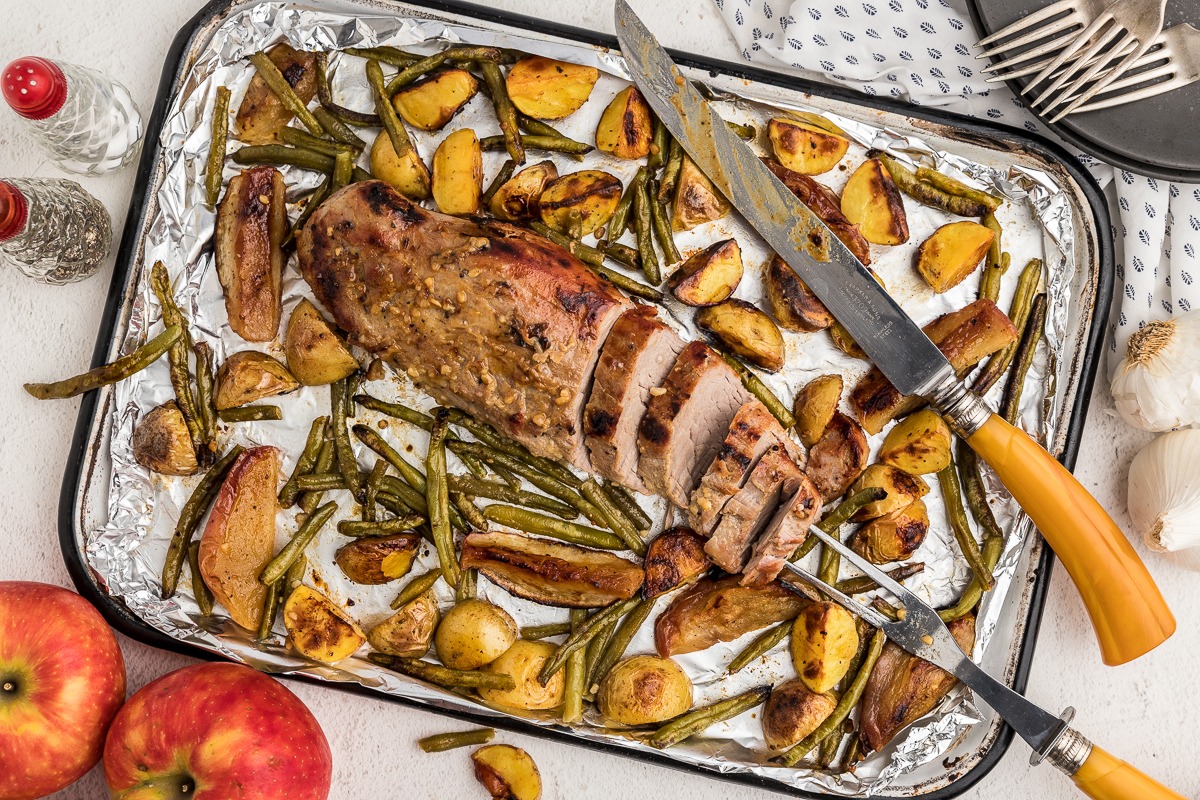
Sheet Pan Honey Pork Tenderloin

Chicken Tot Pie
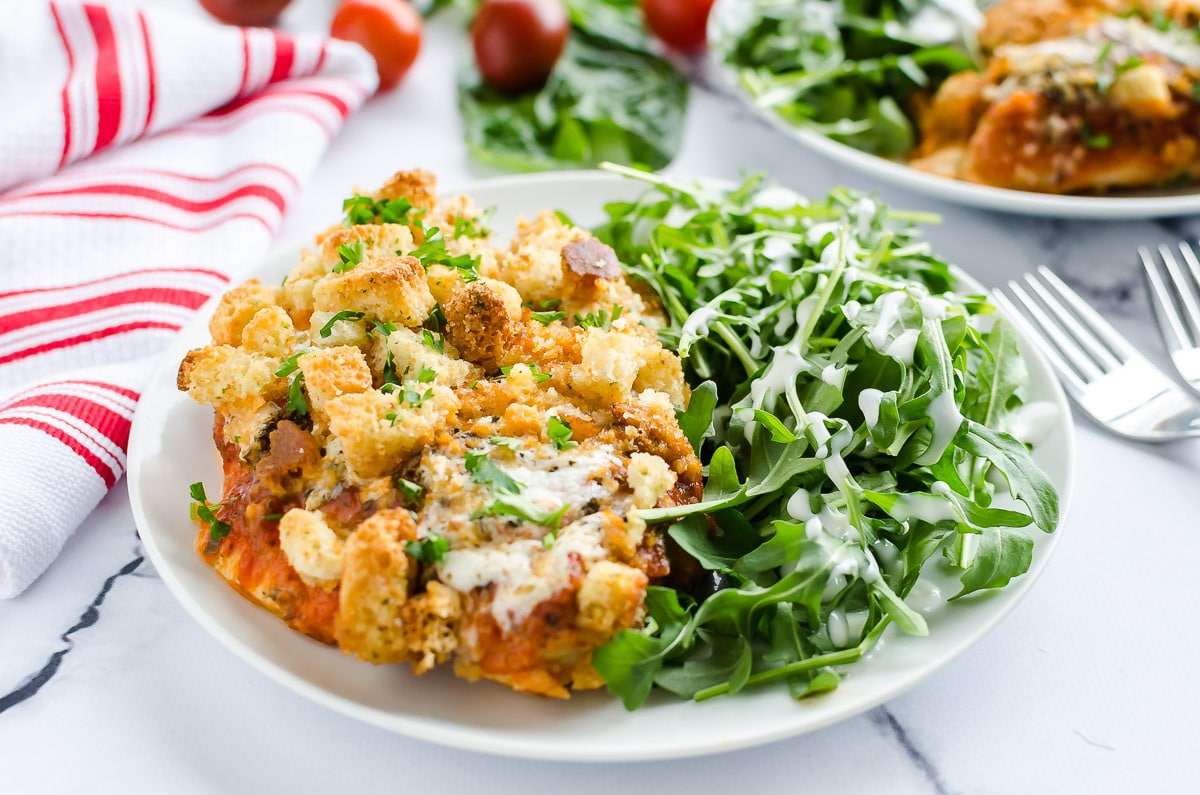
Baked Chicken Parmesan